Guides
How to get more out of your AI chats
One guide for each thing Recallery does. Every one starts with what ChatGPT, Claude, Gemini or Grok already offer on their own, then shows what Recallery adds on top.
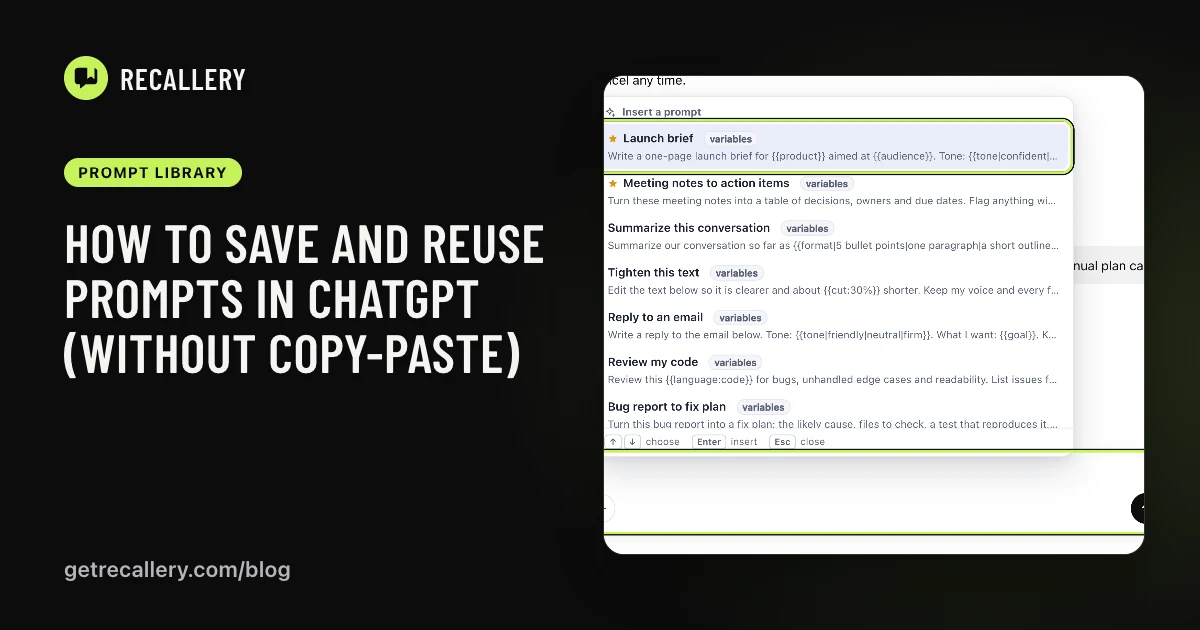 Prompt libraryHow to save and reuse prompts in ChatGPT (without copy-paste)ChatGPT has no prompt library. Here are the ways people work around that, and how to keep prompts one keystroke away in ChatGPT, Claude, Gemini and Grok.
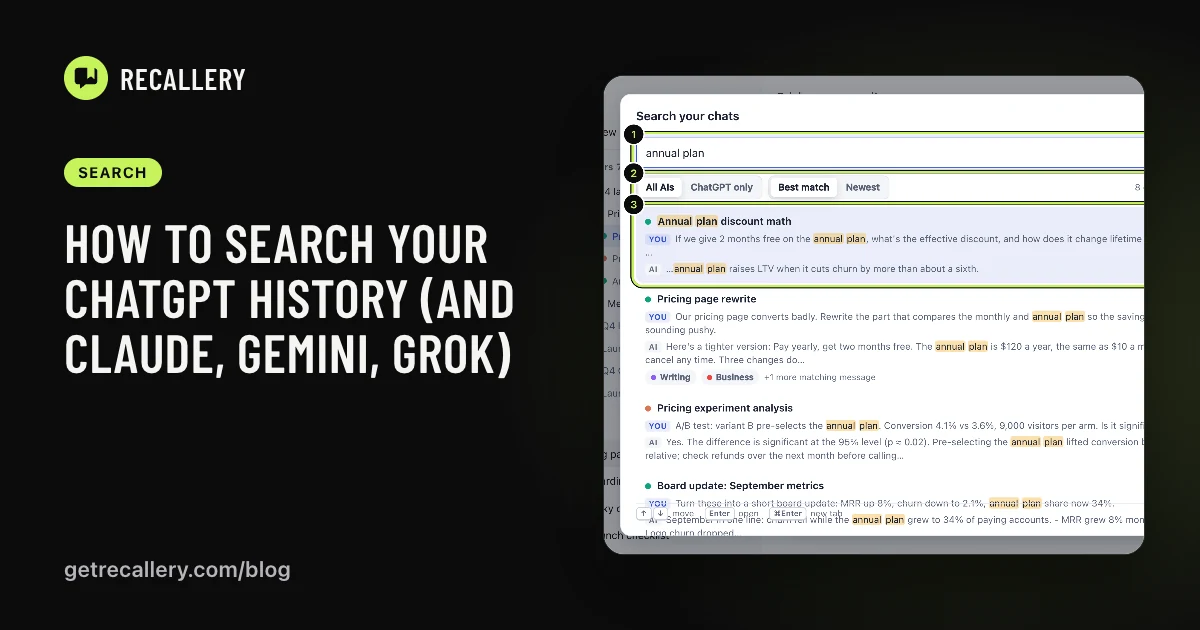 SearchHow to search your ChatGPT history (and Claude, Gemini, Grok)Find an old AI chat by what was said in it, not just its title. How search works in ChatGPT, where it stops, and how to search all four AIs from one box.
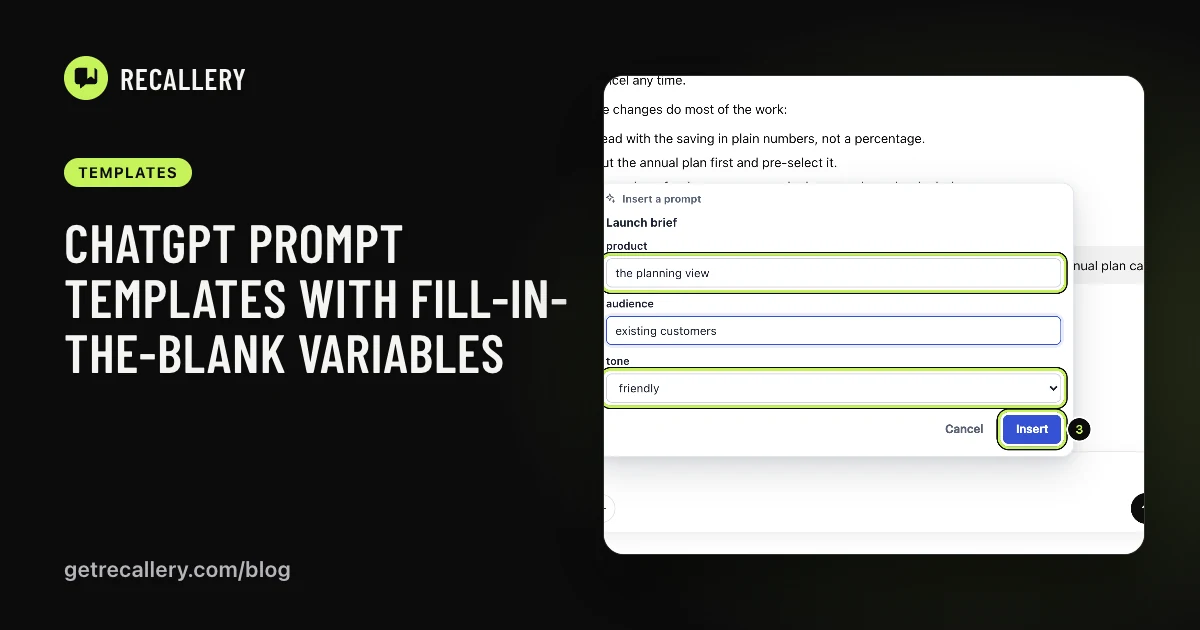 TemplatesChatGPT prompt templates with fill-in-the-blank variablesTurn a prompt you keep editing into a reusable template. Add blanks, defaults and drop-down choices, then fill them in each time before it goes into ChatGPT.
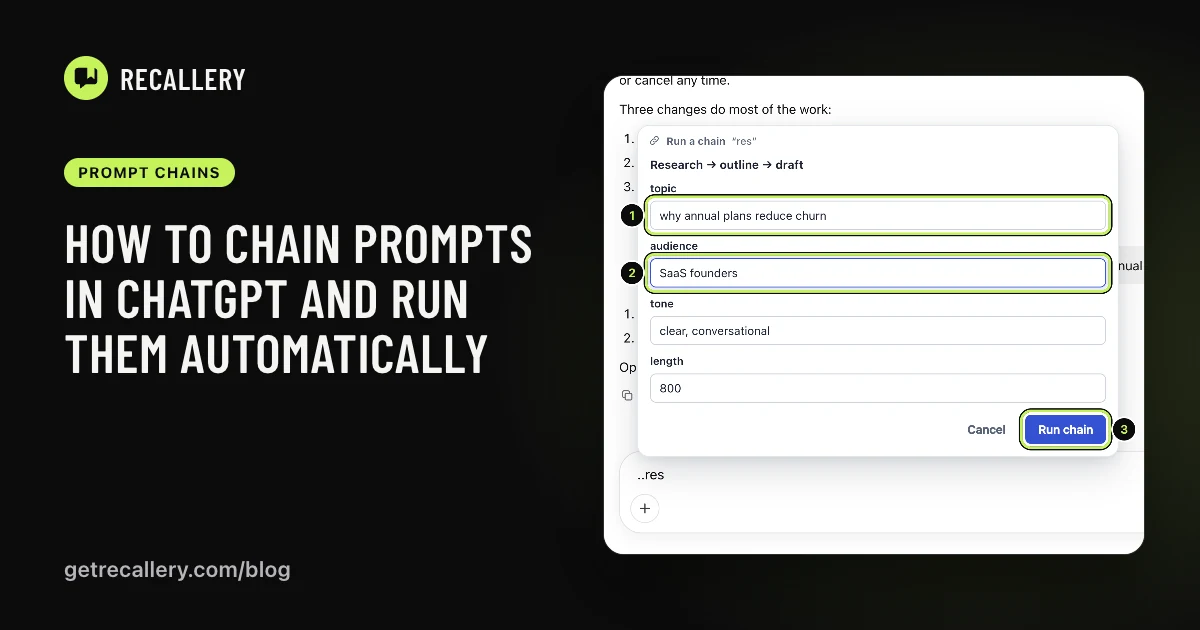 Prompt chainsHow to chain prompts in ChatGPT and run them automaticallySend a series of prompts to ChatGPT, Claude or Gemini one after another without babysitting the chat. How prompt chains work and how to set one up.
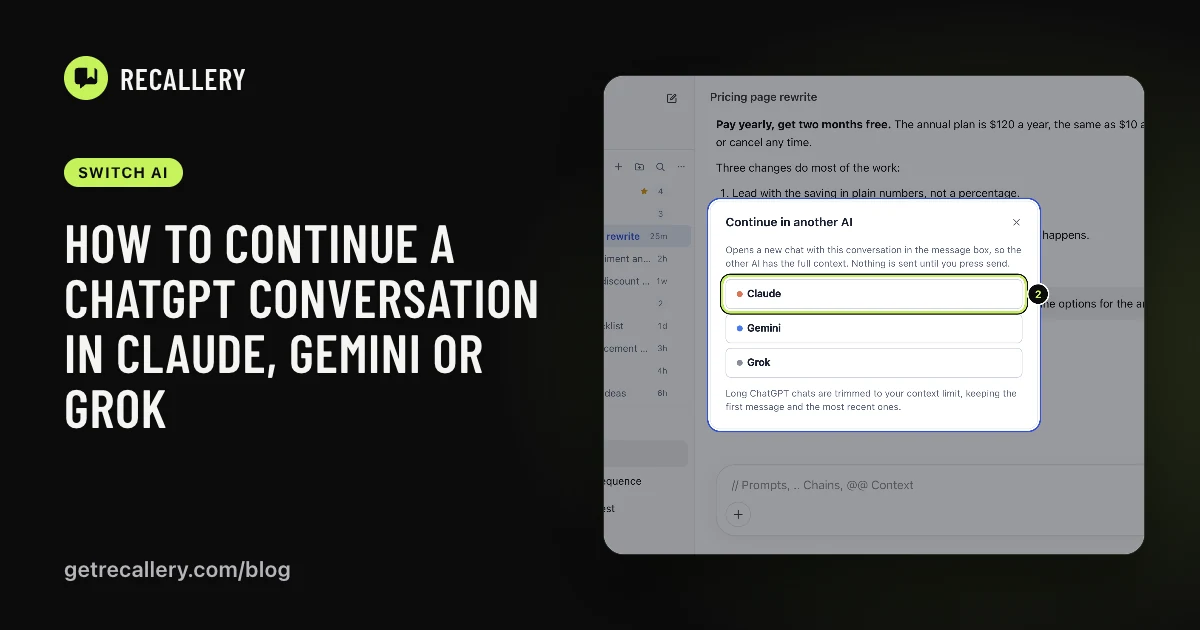 Switch AIHow to continue a ChatGPT conversation in Claude, Gemini or GrokMove a chat to a different AI without losing the context. Why copy-paste falls short, what the AIs offer for importing history, and a quicker way to hand over.
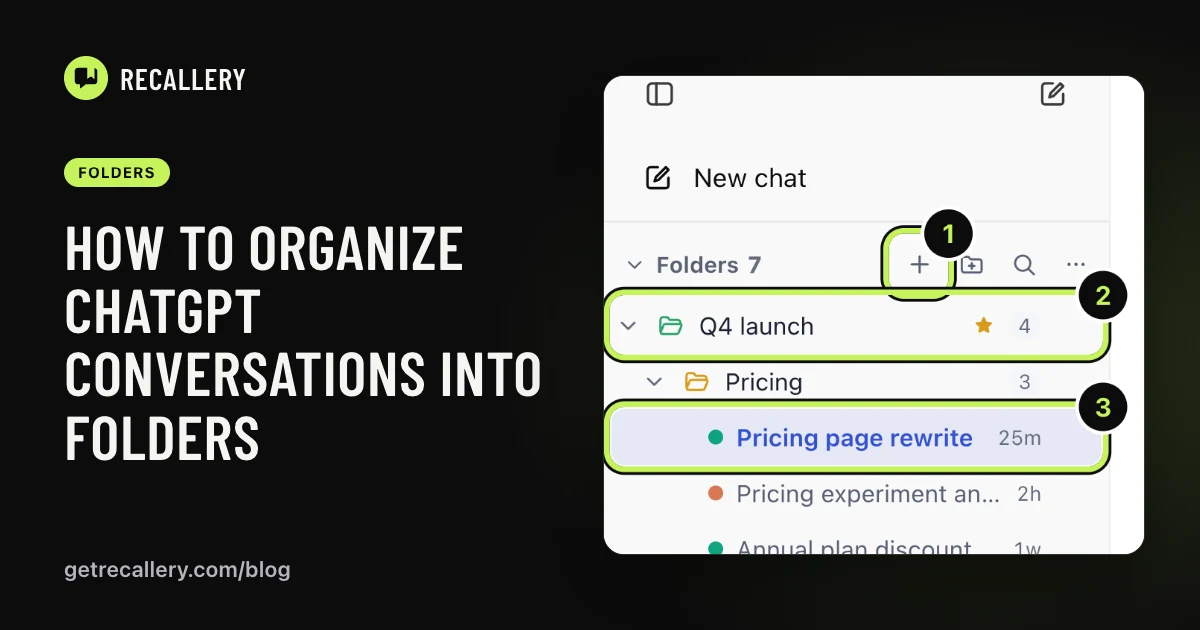 FoldersHow to organize ChatGPT conversations into foldersChatGPT has no folders for your chats. Here is what Projects can and can't do, and how to sort chats from ChatGPT, Claude, Gemini and Grok into one folder tree.
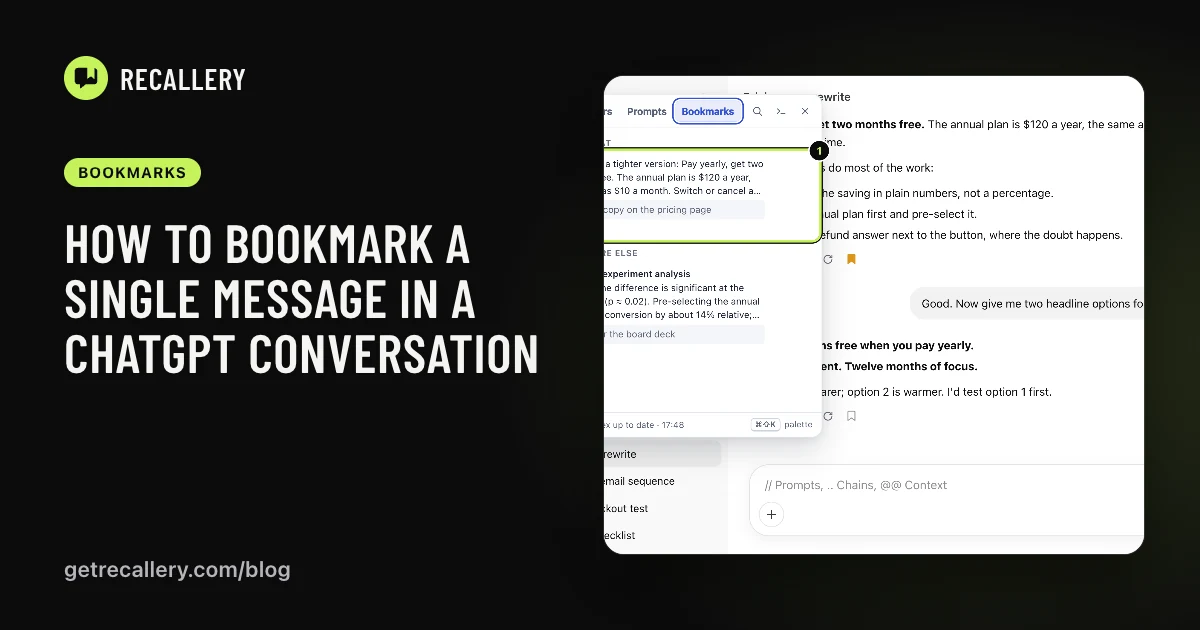 BookmarksHow to bookmark a single message in a ChatGPT conversationMark the one answer worth keeping in a long ChatGPT, Claude, Gemini or Grok chat, add a note, and jump straight back to it later instead of scrolling.
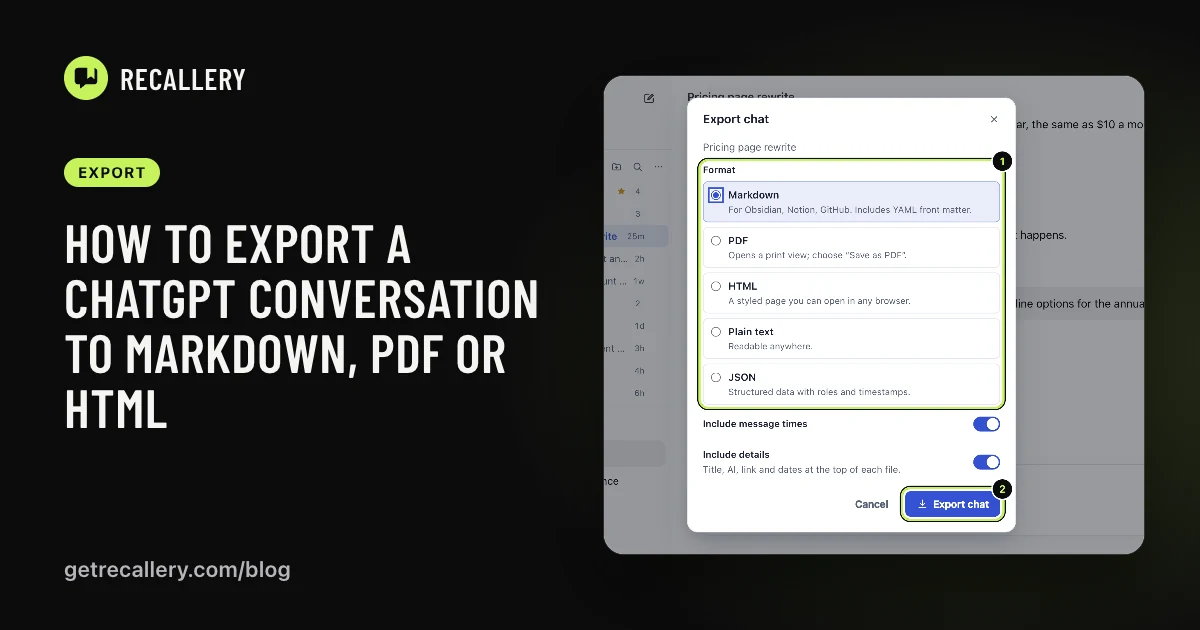 ExportHow to export a ChatGPT conversation to Markdown, PDF or HTMLSave a single ChatGPT chat as Markdown, PDF, HTML, text or JSON. What ChatGPT's own export gives you, and how to export one chat or many from any AI.
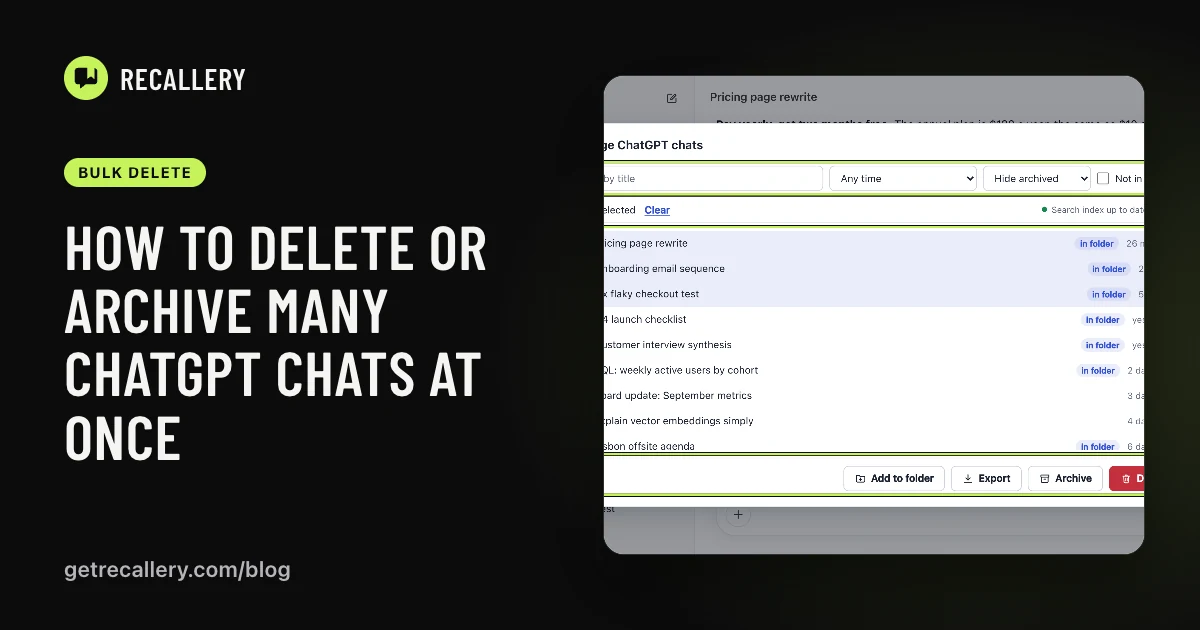 Bulk deleteHow to delete or archive many ChatGPT chats at onceChatGPT lets you delete one chat at a time or wipe them all. Here is how to pick the ones to clear, archive instead of delete, and save a copy first.
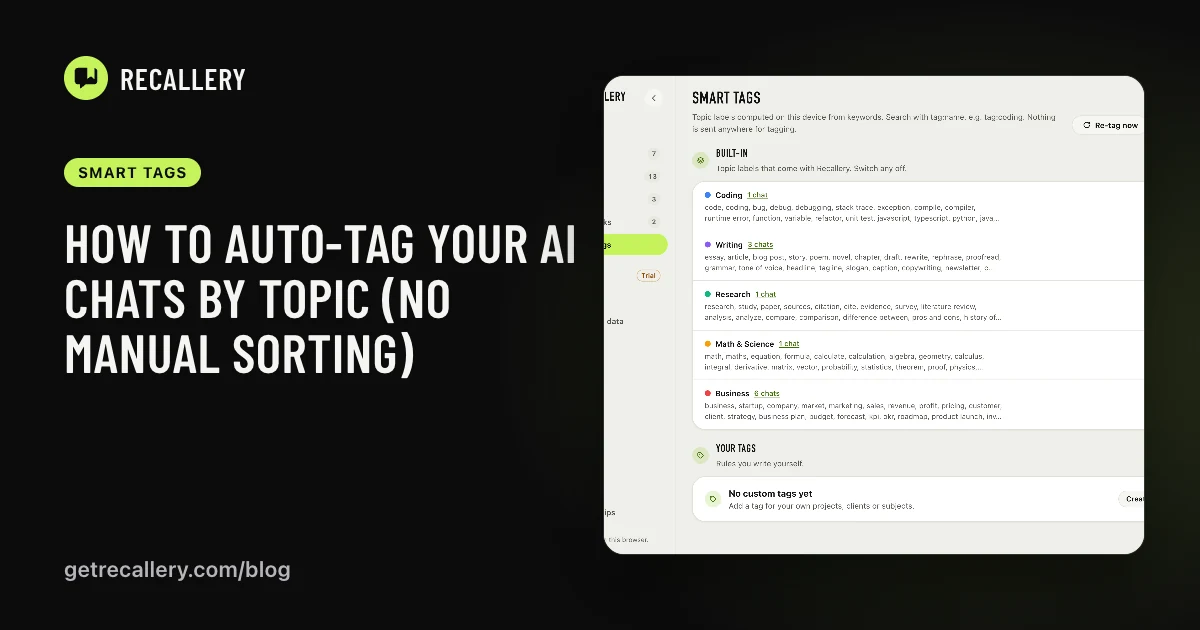 Smart tagsHow to auto-tag your AI chats by topic (no manual sorting)Label ChatGPT, Claude, Gemini and Grok chats by topic automatically, add your own tags from keywords, and filter your history by tag. All done on your computer.
 Reply soundHow to get a sound when ChatGPT finishes replyingStop checking the tab. Get a short chime when ChatGPT, Claude, Gemini or Grok finishes a reply, and only when you're in another tab if you like.
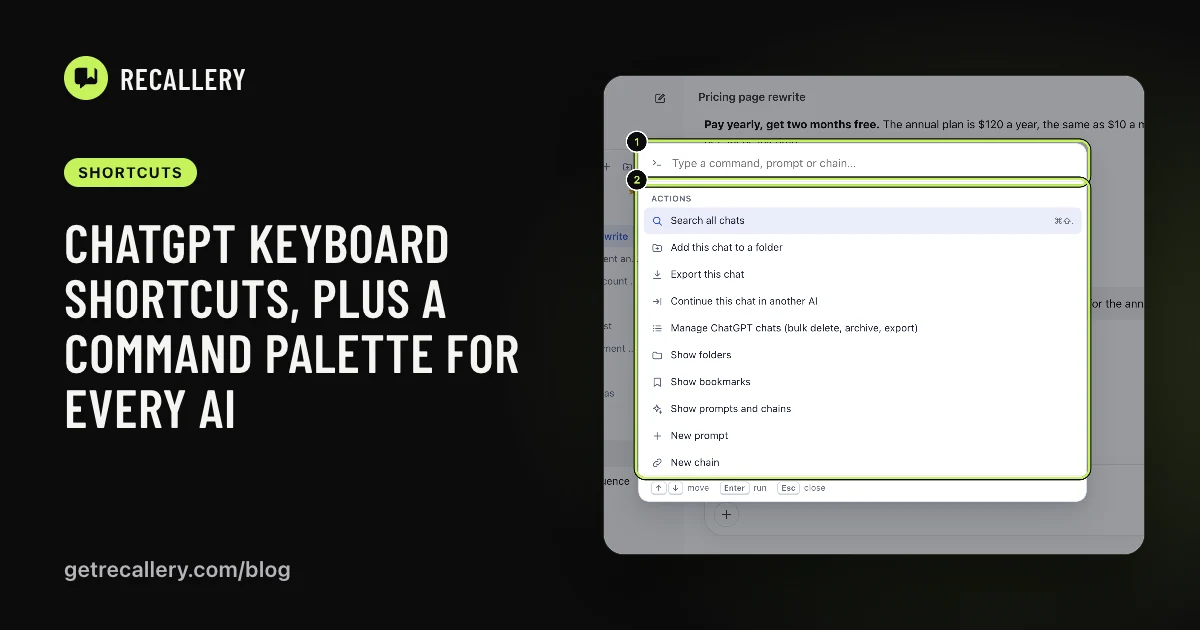 ShortcutsChatGPT keyboard shortcuts, plus a command palette for every AIThe ChatGPT shortcuts worth learning, what they don't cover, and a Cmd+Shift+K command palette that works the same way on ChatGPT, Claude, Gemini and Grok.
 BackupHow to back up your AI prompts and folders and move browsersYour prompts, chains, folders and bookmarks live in your browser. Here is how to save a backup file, restore it on another computer, and avoid losing the lot.
Screenshots show the real Recallery extension on a neutral stand-in chat page, not on the AI sites themselves.