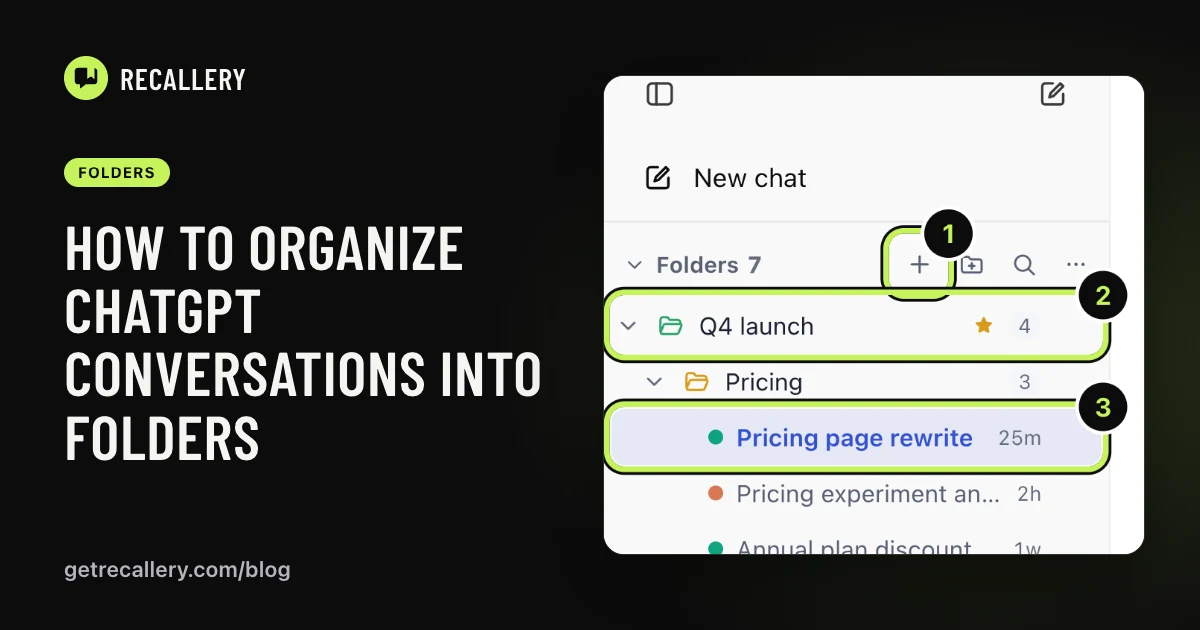
Folders are good for the chats you care about. Nobody is going to file all 400. What you want for the rest is a label that appears by itself: this one is about code, that one is a draft, those are research.
That is what tags are for, and it's the one part of organizing chats you shouldn't have to do by hand.
Does ChatGPT label your chats by topic?
Not in a way you can use. ChatGPT gives each chat a title, picked from your first message, and that's about it. We haven't found a way to filter by topic, or to see "all my coding chats" in one place. Claude, Gemini and Grok are the same, as far as we can tell.
Titles help, but they're written once, from one message, and they're inconsistent. "Quick question" tells you nothing a year later.
What are smart tags?
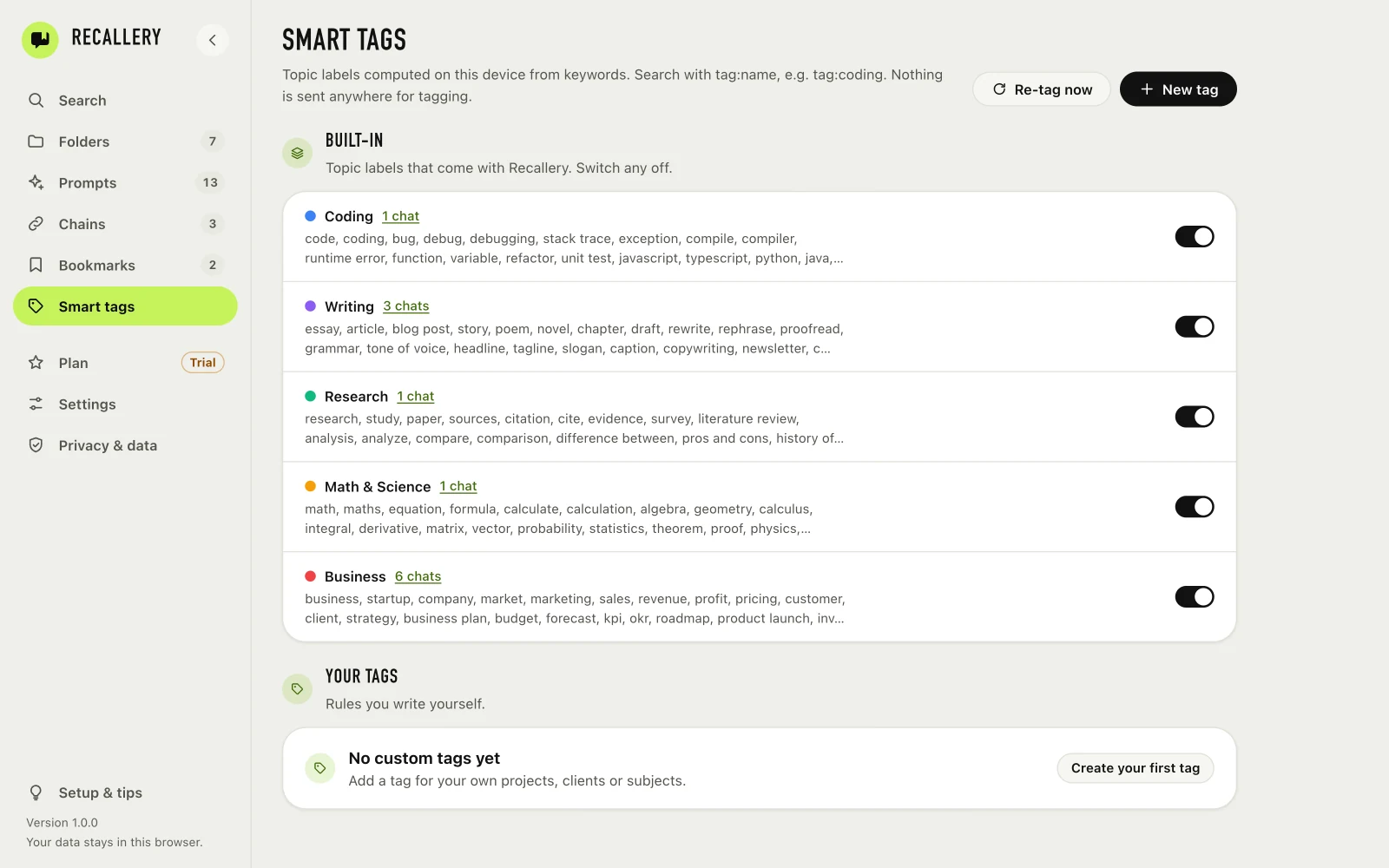
Recallery reads each chat on your computer and gives it topic tags based on keywords. It comes with built-in topics such as Coding, Writing, Research, Math & Science and Business. Each has a list of words it looks for: "debug", "stack trace" and "compile" for Coding, "essay", "draft" and "rewrite" for Writing, and so on.
Nothing is sent anywhere to do it. The tagging happens in your browser against the chats Recallery has indexed, and the Smart tags page says it outright: nothing is sent anywhere for tagging.
You can switch any built-in topic off. The page shows how many chats each one has picked up, and clicking the count takes you to them.
How do you make your own tag?
This is where tags earn their keep, because your topics aren't the built-in ones. You might have clients, a course, a side project, a house move.
- On the Smart tags page, press New tag.
- Name it, for example "Invoices".
- Add keywords separated by commas: invoice, budget, forecast, quarterly. Press Save.
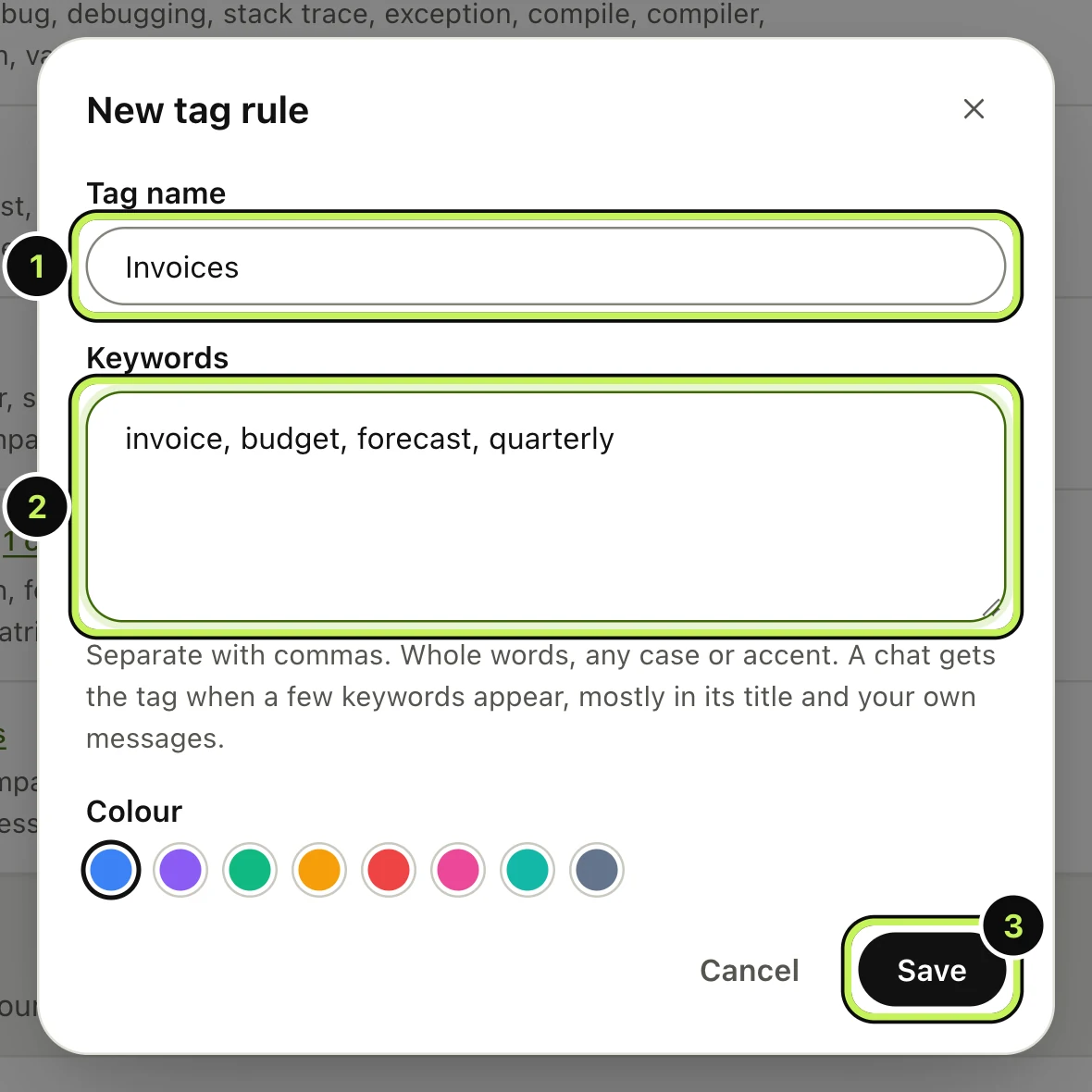
After you save, your chats are re-tagged in the background. You can also press Re-tag now on the page.
How the matching works: keywords are whole words, any case, and accents are ignored. A chat gets the tag when a few of the keywords appear, mostly in its title and in your own messages. So a single mention of "budget" in passing won't tag a chat, but a chat about the quarterly budget forecast will.
Pick keywords that are specific to the topic. Client names, project code names and unusual terms work better than common words. Four to eight keywords is a good range.
How do you use tags?
In Recallery's search, type tag: followed by the tag name, such as tag:coding. You can combine it with words and other operators, for example tag:research "annual plan". The full list is in the search guide.
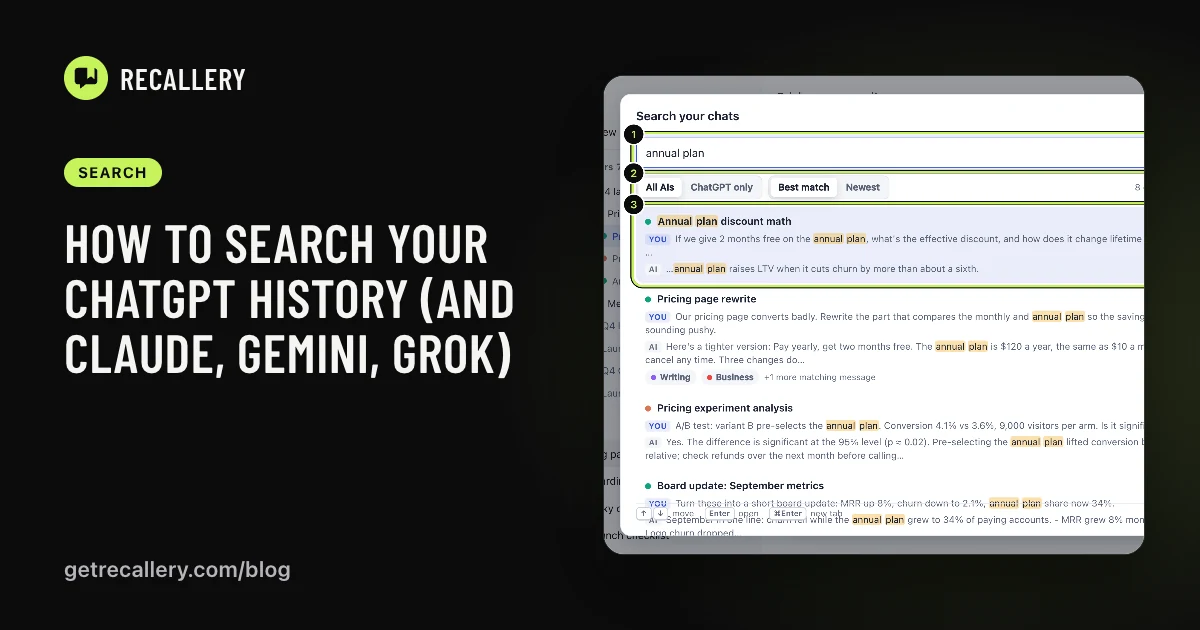
Tags also show up on search results, so you can see at a glance why a chat came up.
How are tags different from folders?
A folder is a place you put a chat on purpose. A tag is a label the chat earns by what's in it. One chat can have several tags but sits in one place at a time. Use folders for what you've decided matters and tags for everything else. They don't compete, and many people use both. Folders are covered here.
What are the limits?
The free plan lets you create 3 custom tags. The built-in topics are always available. Pro removes the limit.
Questions people ask
Does tagging use AI? No. It's keyword matching, which is why it's fast and never leaves your computer. It's also why it can be wrong sometimes. If a tag is off, adjust its keywords.
Will it tag old chats? It tags the chats Recallery has indexed, which includes your history as it's read in the background.
Can I edit or remove a tag? Your own tags, yes, from the same page. The built-in topics can be switched off.