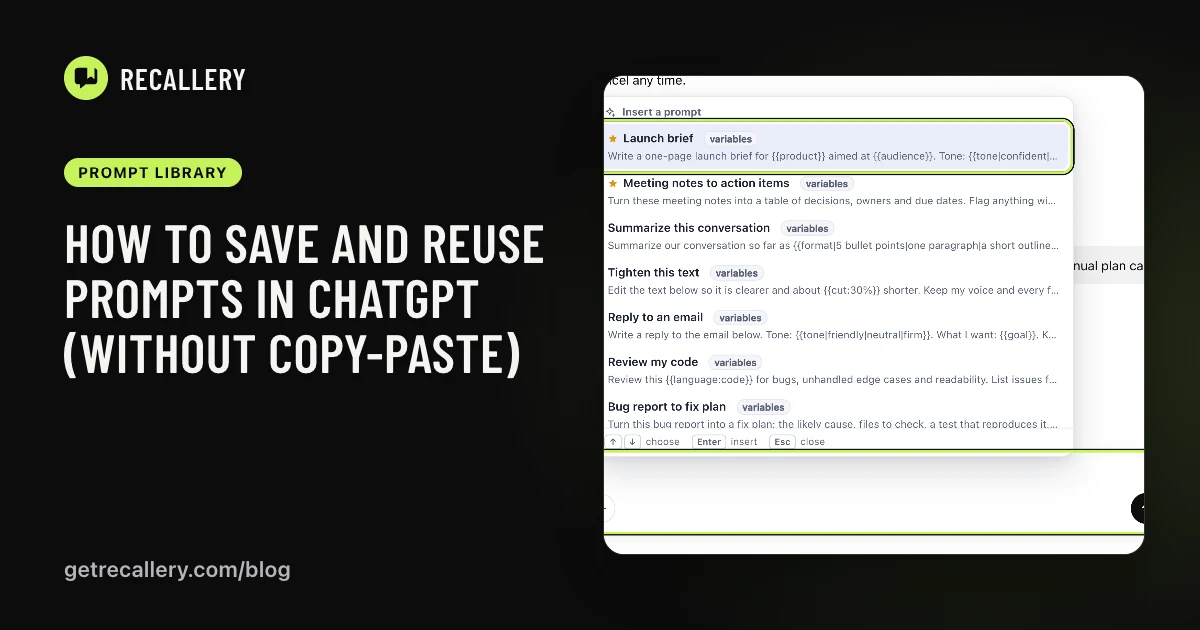
Most prompts you reuse are the same prompt with two or three words swapped. A launch brief for one product, then another. A status update for your manager, then for a client. A code review in Python, then in Go.
Copying the old one and editing it works until you forget to change the product name in the third paragraph. A template fixes that by turning the parts that change into blanks.
What is a prompt template?
It is a normal prompt with a few placeholders in double curly braces. When you use it, you get a small form asking for each placeholder, and your answers are filled in before the text lands in the message box.
ChatGPT doesn't have this built in. You can approximate it by keeping a prompt in a note and editing the capitals by hand, which is what most people do. Recallery adds templates to the message box on ChatGPT, Claude, Gemini and Grok, so the same template works on all four.
How do you write the blanks?
There are four kinds. Put them anywhere in the prompt text.
{{topic}}gives you an empty box labelled "topic".{{tone:friendly}}gives you a box with "friendly" already filled in.{{length|short|long}}gives you a drop-down with those choices.{{@date}}fills in today's date for you.
Here is a prompt that uses the first three:
Write a one-page launch brief for {{product}} aimed at {{audience}}.
Tone: {{tone|confident|friendly|plain}}.
Cover the problem, what's new, and one proof point.
Save it in the New prompt form (open the command palette with Cmd+Shift+K, type "new prompt") and the form shows what it will ask for under the text box, so you can check the blanks before you save. If you haven't saved a prompt yet, start here.
A few habits that help:
- Name blanks the way you'd say them out loud. "audience" beats "var2".
- Give a default when you almost always use the same value. You can still change it.
- Use a drop-down for anything with a short list of valid answers, like tone or format. It stops typos and saves typing.
How do you fill in a template?
- In the message box, type
//and pick the prompt. Prompts with blanks show a small "variables" tag in the list. - Fill in the form. Text blanks are text boxes and choices are drop-downs.
- Press Insert. The finished prompt lands in the message box.
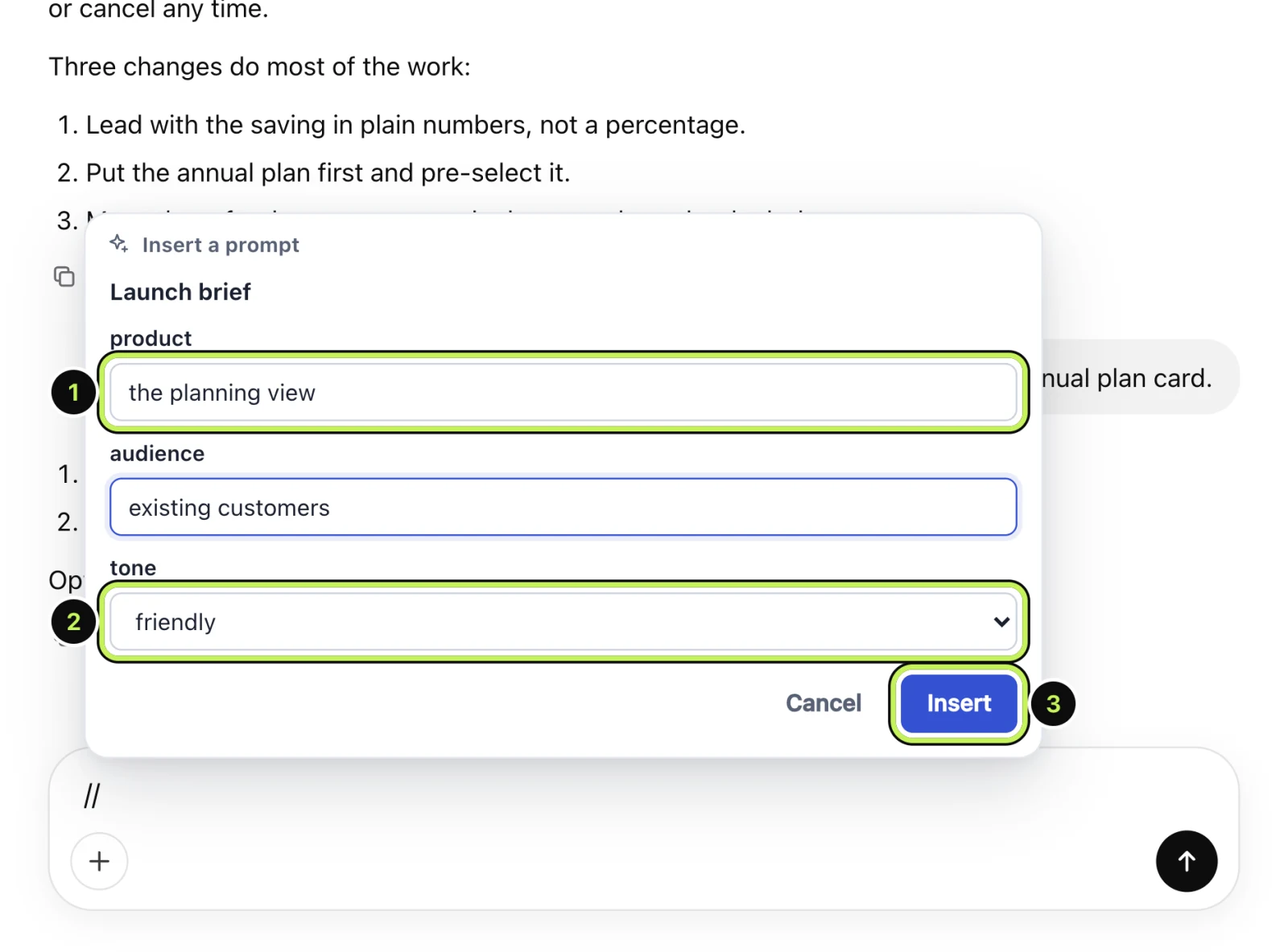
Nothing is sent until you press send, so you can still tweak the wording. If you already had text in the box, the template goes in alongside it.
What makes a good template?
The best ones come from prompts you have already written three times. Look at the last three versions and underline what changed. Those are your blanks. Everything else stays as text.
Two things to avoid:
- Too many blanks. If a prompt asks for eight things, you'll skip the template and write it by hand. Three or four is about right.
- Blanks that need paragraphs. A blank is for a word or a phrase. If you'd paste a whole document in, leave the end of the prompt open instead ("Notes:" and then your cursor) and paste there.
Does it work with chains too?
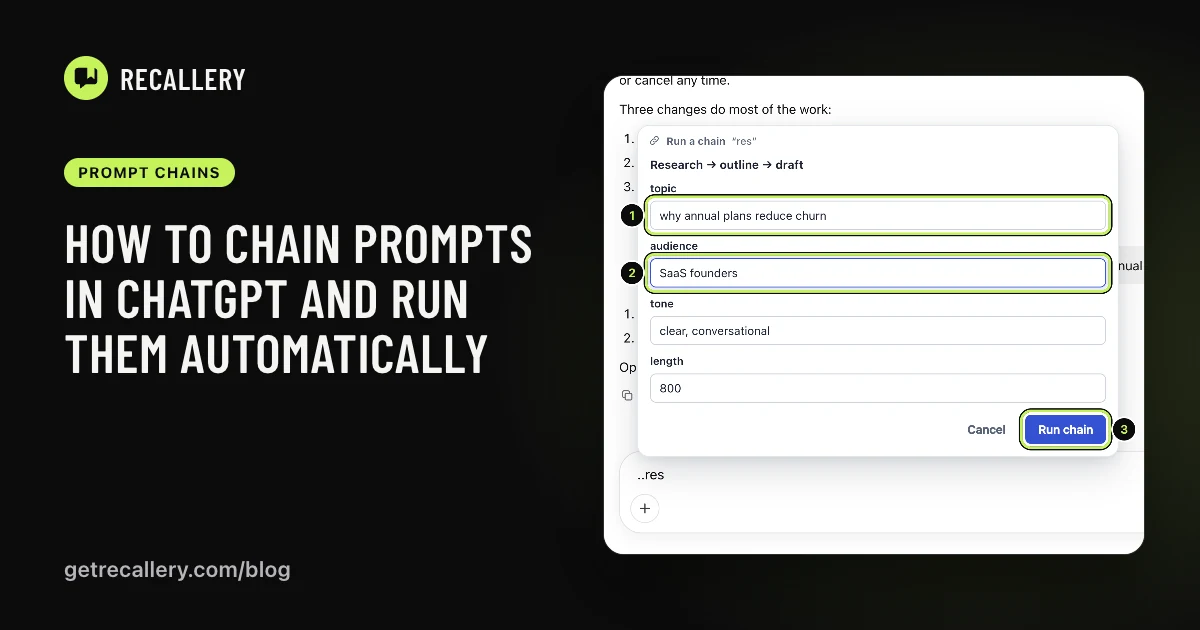
Yes. A chain sends several prompts in a row, and blanks in any step are asked for once, at the start. That's covered in the chains guide.
What are the limits?
The free plan keeps 5 prompts, templates included. Pro removes the limit. The syntax is the same on both plans.
Questions people ask
Can ChatGPT fill in variables itself? Not as a form. You can ask it to ask you questions first, but that is a conversation every time, not a template.
Do templates work on Claude and Gemini? Yes, the picker and the form are the same on all four sites.