You ask for something that takes a while: a long answer, a big piece of code, a deep analysis. The text starts streaming. You switch to another tab so you can get on with something, and then you flick back every ten seconds to see if it's done.
A sound when the reply finishes fixes it. Here's how to get one.
Does ChatGPT make a sound when it's done?
For ordinary replies, not that we've found. The page updates, and that's all. If you're in another tab, nothing tells you.
Browsers don't fill the gap either. A tab doesn't make noise when a page finishes streaming text. And a trick some people use, leaving the tab beside you so you can watch it, defeats the point.
How do you add a finished-reply sound?
Recallery can play a short tone when a reply on ChatGPT, Claude, Gemini or Grok finishes. It's off until you switch it on.
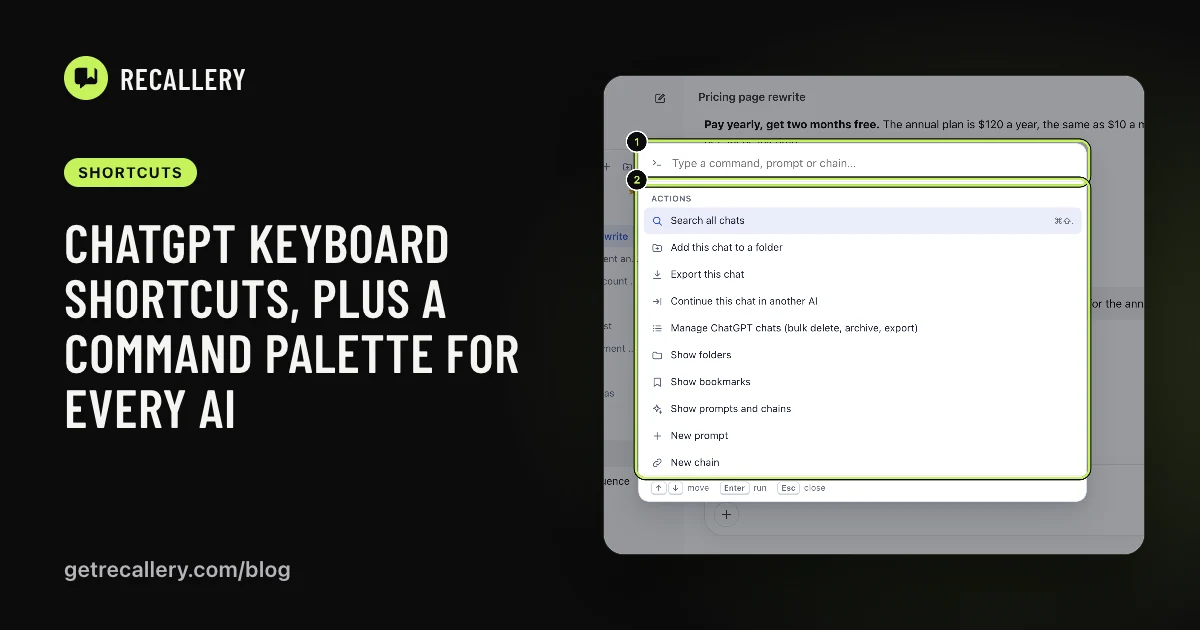
- Open the Recallery dashboard, from the command palette (
Cmd+Shift+K, then "Open the Recallery dashboard"). - Go to Settings and find the Reply-finished sound section.
- Turn on "Play a sound when a reply finishes".
- Choose a tone, set the volume and press Test to hear it.
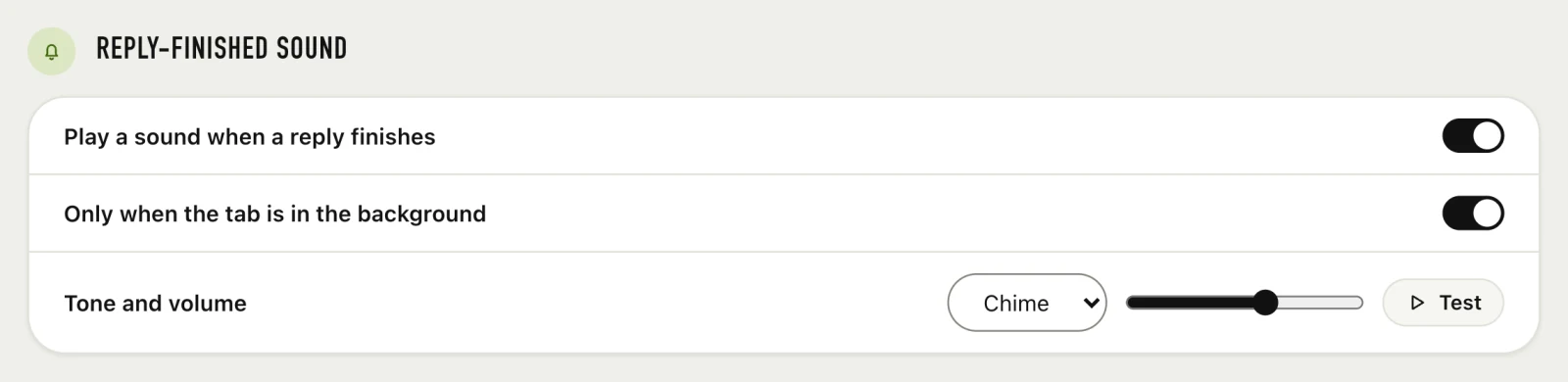
There are four tones: chime, pop, bell and soft. Pick the one you can live with at three in the afternoon on your fortieth reply.
What does "only when the tab is in the background" do?
It's a second switch in the same section. With it on, you only hear the sound when you're not looking at the tab. If you're watching the reply stream in, you don't need to be told it's done. If you've switched away, you do.
We'd leave this on. The tone then only ever means "come back, it's ready", and it never plays while you're reading along.
Does it work with chains?
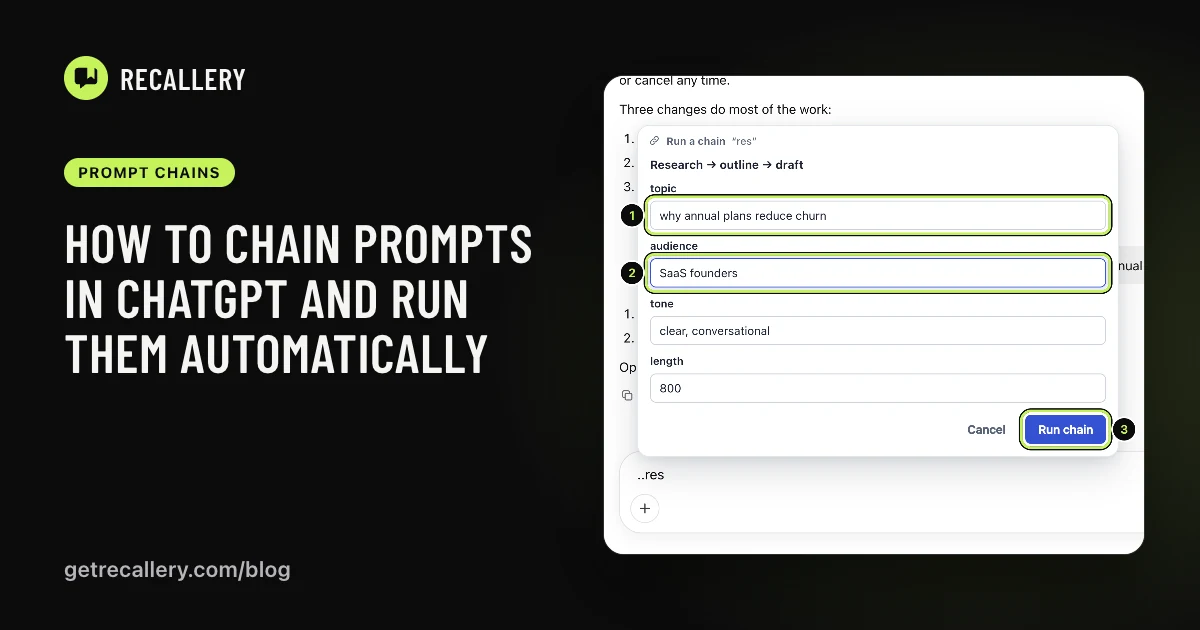
Yes, and it's most useful there. A chain can send several prompts in a row, and you'll hear the tone as each reply finishes, so you know when to come back and read.
Does the sound work on every site?
The setting is one switch for all four. Recallery plays it when it sees the reply stop, so it follows whichever AI you're using at the time.
Is anything sent anywhere?
No. The tone plays on your computer, and Recallery only looks at the page to know when a reply has finished. It doesn't send the text anywhere.
What are the limits?
It's included on the free plan.
Questions people ask
Why isn't there a sound when I switch it on? Press Test first. If the test is silent, check the volume slider and your computer's output. Browsers also stop sound from tabs you've muted.
Can I use my own sound? The four built-in tones are what's there now.